
 Open product
 Independent product-finding guide
LoloBuy Spreadsheet 2026: Matched Product Finds & Buying Guides
Searchable China shopping finds and practical LoloBuy guides, built to help you compare a listing before you order.
Independent guide · Product images matched to their destination pages
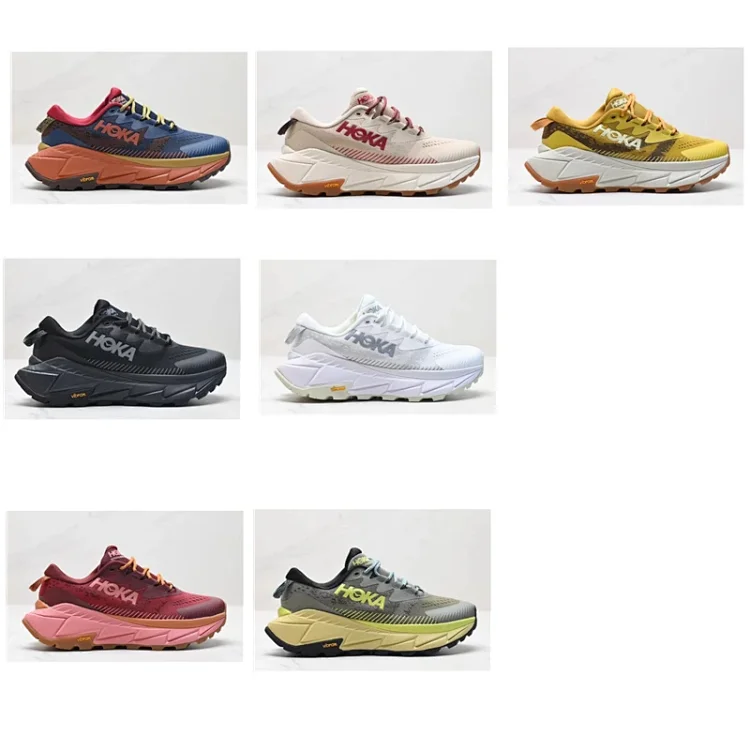
SOURCE MATCHEDCushioned trail running shoesHoodies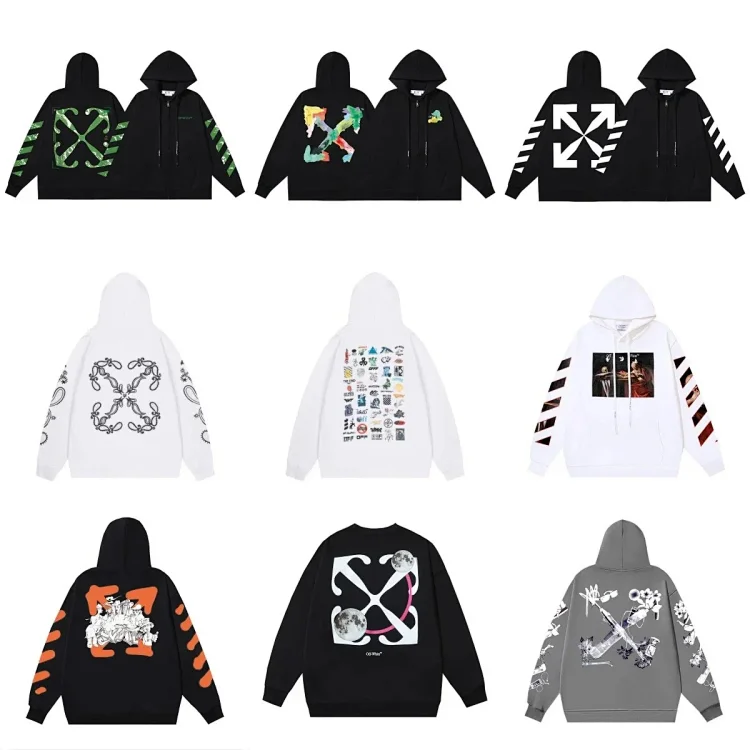 Graphic pullover hoodie collectionHeadwear
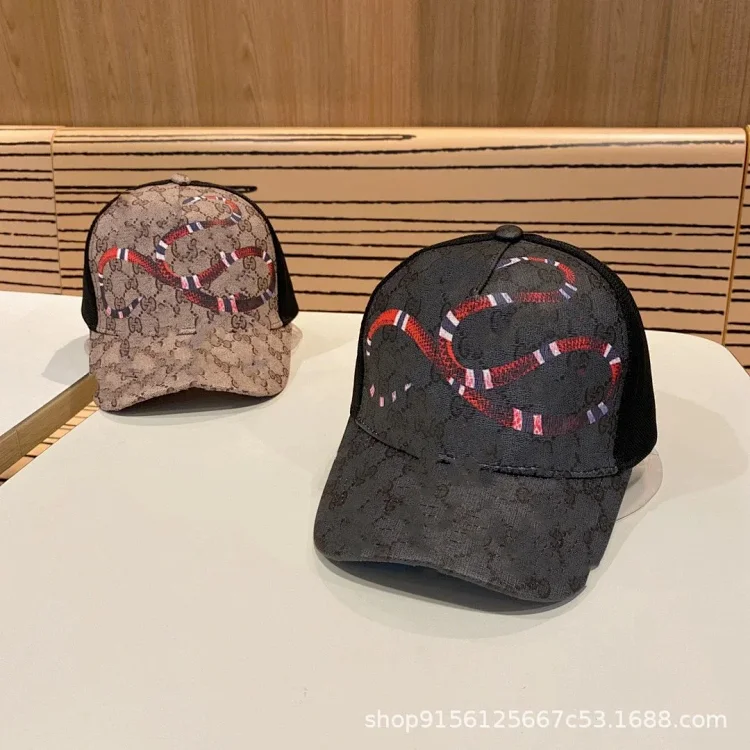 Monogram-pattern baseball capElectronics
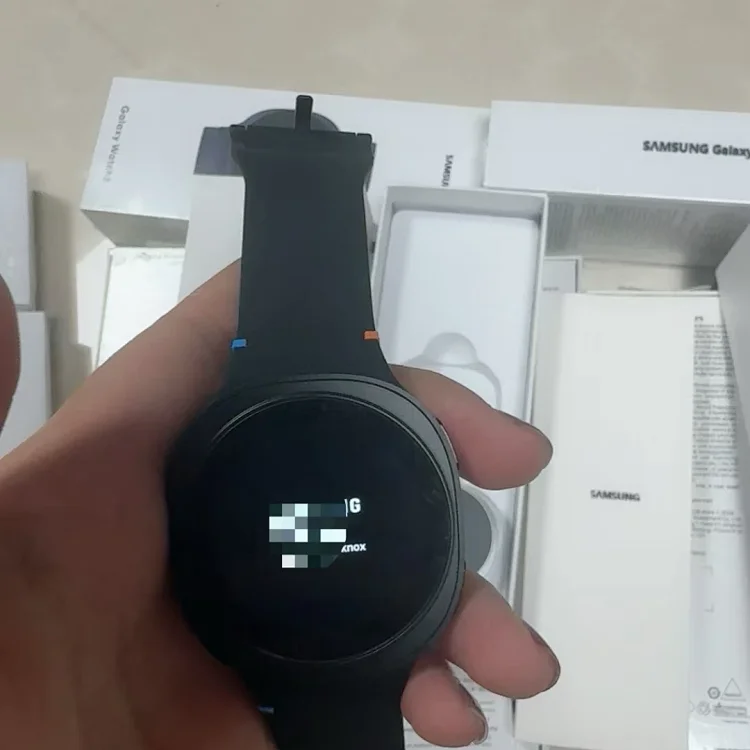 Round digital smartwatch
Cushioned trail running shoesHoodiesGraphic pullover hoodie collectionHeadwearMonogram-pattern baseball capElectronicsRound digital smartwatchPRODUCT SOURCE
Image and page pairedChecked 29 Jul 2026BEFORE ORDERING
Review size and variantSeller details may change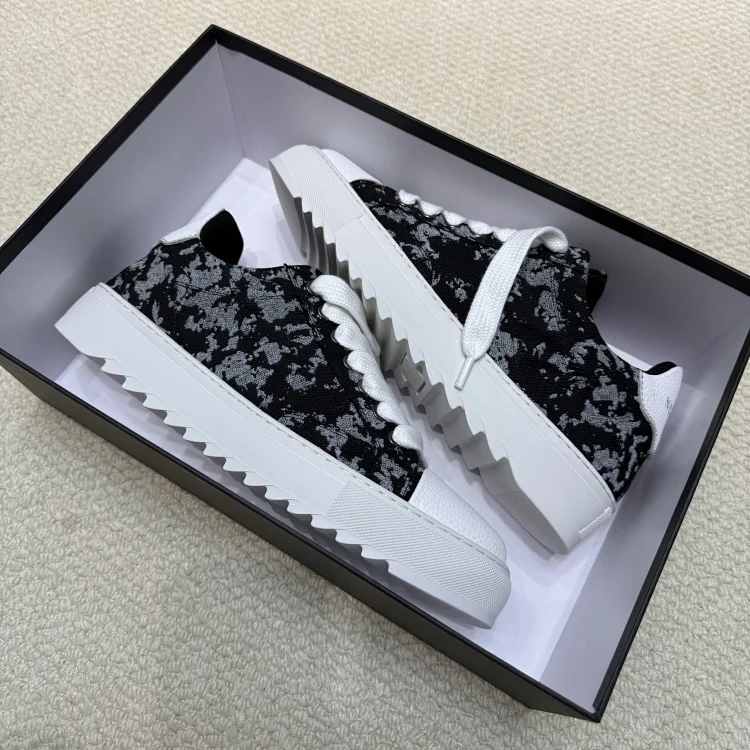 High-top platform sneakers
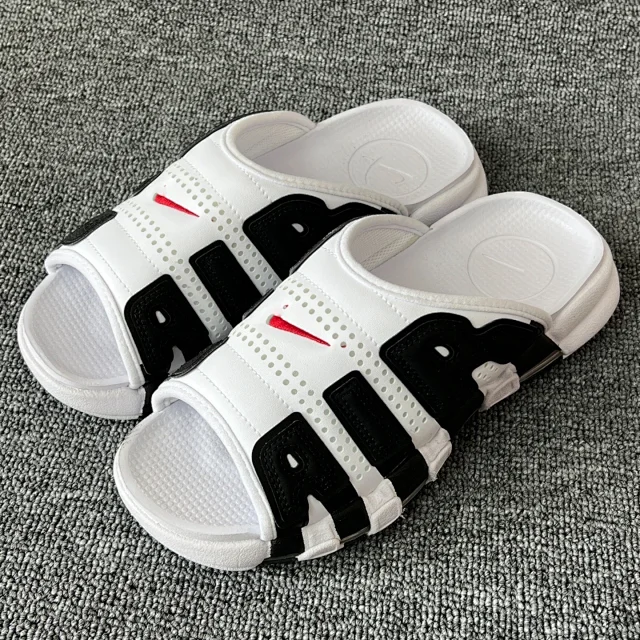 Cushioned slide sandals
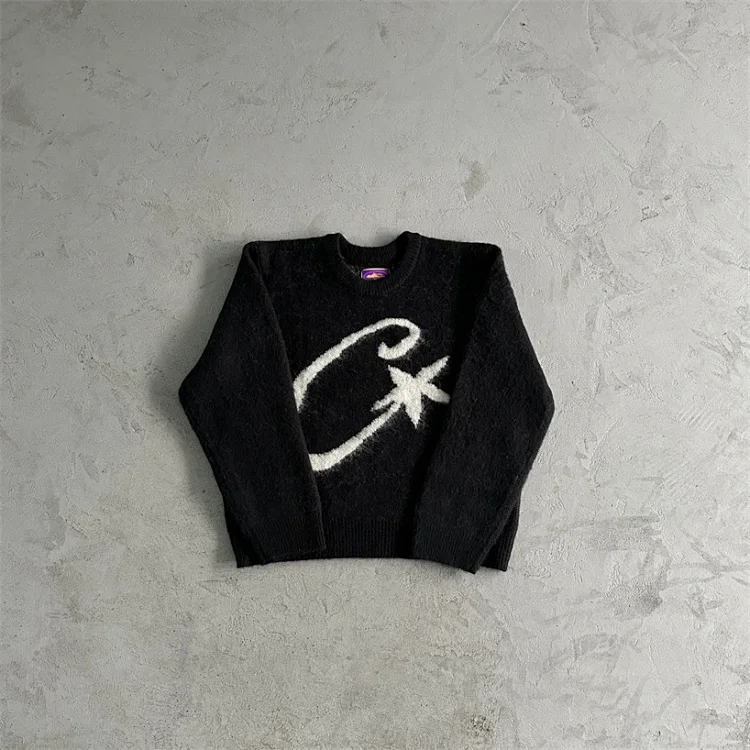 Graphic knit sweater collection
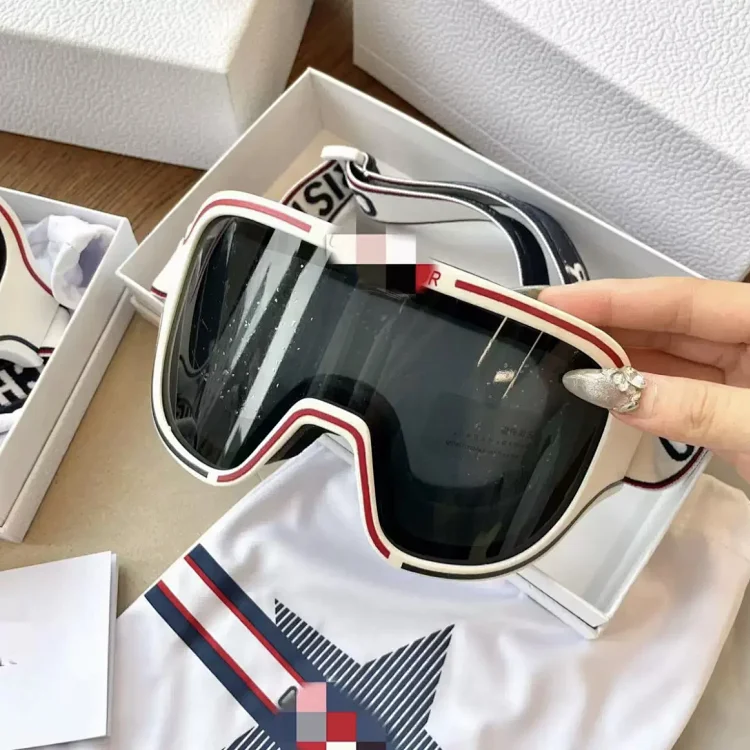 Snow and ski goggles
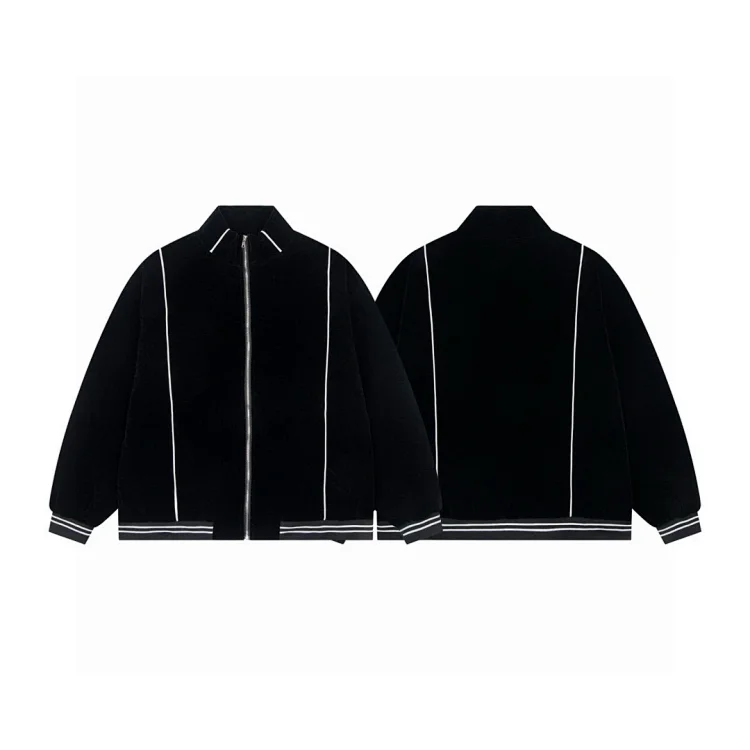 Belted wool-blend coat
 Glitter low-top sneakers
Current catalog sample
Catalog entries, correctly paired
Every card below uses the first product image from its matching destination page. Clicking the image, title or button opens that exact product—not a generic category or duplicated link.
Neutral titles describe the visible item only. Third-party marks in source images belong to their owners and do not imply endorsement, authorization or authenticity. Read the independent disclosure.
Open product Open product Open product Open product Open product Open product Open product Open product Open product Open product 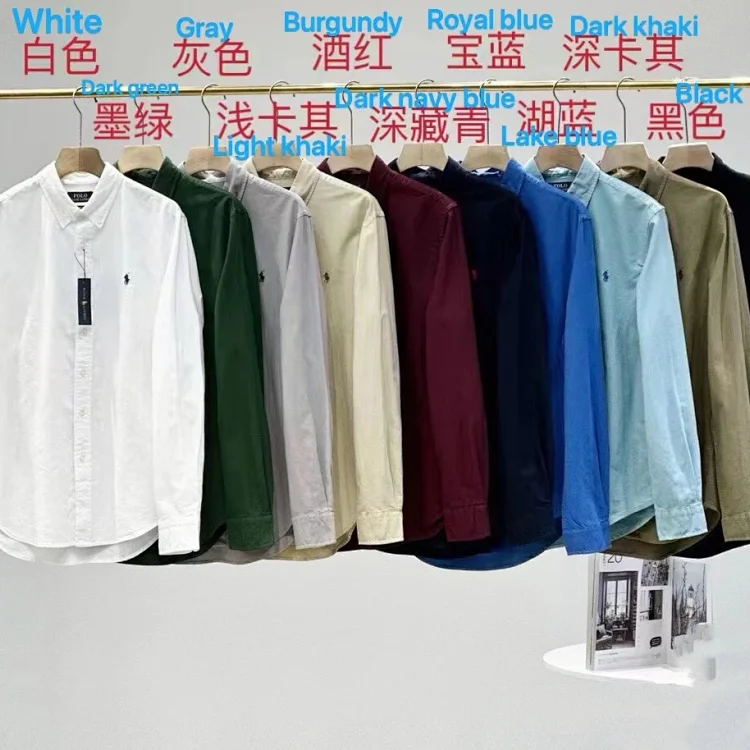 Open product
 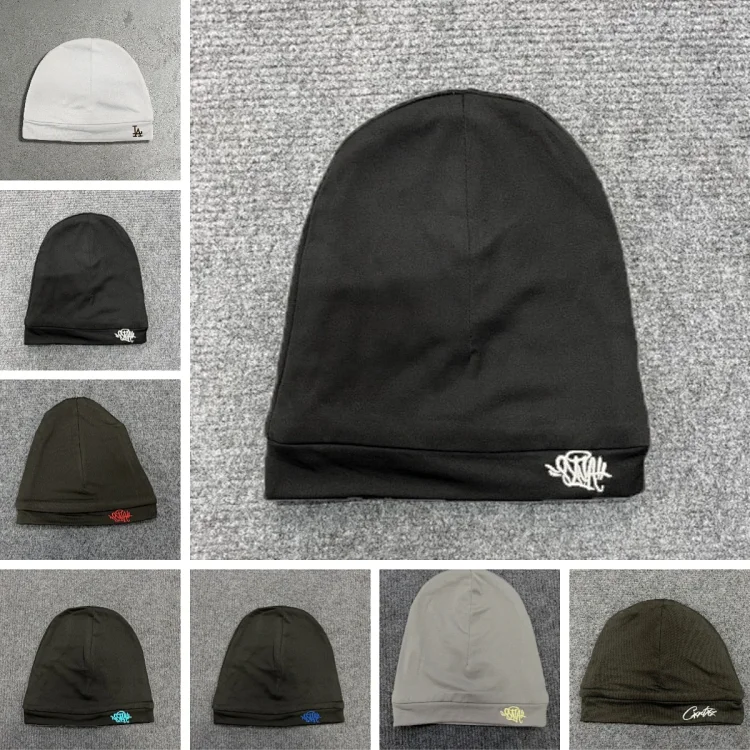 Open product
 View the full product catalog
Availability, variants and seller details can change. Check the destination page again before ordering.
Browse by intent
Start with a category
Use a focused category when you know the item type, or use the search box above for a specific product name.
From find to warehouse
How to use these product finds
A spreadsheet is the discovery layer. LoloBuy is the purchasing and forwarding layer. Keep those roles separate as you review an item.
- 01
Open the matching item
Choose a product card. Its image and link are paired to the same item page, so you can inspect the source listing without guessing which product it represents.
- 02
Review the source link
Confirm the seller page, selected variant, size, color, current price and domestic delivery terms. A thumbnail alone is not enough for a purchase decision.
- 03
Submit the product to LoloBuy
LoloBuy's public homepage says shoppers can paste a product link to place an order. Preserve the original address and exact variant notes before submitting it.
- 04
Inspect, pack and ship
After the seller sends the item to the warehouse, review the warehouse photos and item status. Submit a parcel only after choosing a suitable route and checking the final parcel setup.
QC CHECKLIST EXAMPLE3 POINT REVIEW
Correct variant
Size label visible
Front and back reviewed
Practical LoloBuy QC guide
Use warehouse photos to answer specific questions
LoloBuy's current site describes quality-inspection warehousing and product-photo services. Treat those images as a decision aid: compare what arrived with the variant you ordered, rather than judging an item from one flattering angle.
01
Match the color, size label and selected option to your order record.
02
Look for obvious damage, marks, missing parts or a visibly different item.
03
If one area is unclear, describe the exact angle or measurement needed and check the options shown for the live order.
QC photos reduce uncertainty, but they do not guarantee fit, material composition, authenticity or long-term performance.
Shipping without guesswork
Plan the parcel before you pay international freight
LoloBuy's public homepage says warehouse products can be selected and submitted as one parcel, and describes global shipping. The final choice still depends on destination, route limits, actual weight, parcel dimensions and packing.
Read the complete shipping guideActual vs. volumetric
Bulky, light goods may be billed by volume on routes that use dimensional weight. Packaging can therefore matter as much as the scale reading.
Limits differ
Each route can have its own destination, weight and item restrictions. An unavailable route is a planning constraint, not a checkout error to ignore.
Consolidate carefully
Combining warehouse items can reduce repeated base charges, but a very large or mixed parcel may narrow the routes available to you.
Use the warehouse window
The public page states 90 days of free storage. Review arrivals promptly, resolve QC questions and leave time to compare parcel options.
Decision-first reading
What to check before ordering
Useful product research should change what you check—not merely repeat the phrase “LoloBuy spreadsheet.”
Why the listing variant matters more than the thumbnail
Marketplace pages can group many colors, batches or versions under one image. Confirm the exact selected option and preserve any useful note for the purchasing agent.
Read the buying flowA repeatable warehouse-photo checklist
Start with identity and variant, then move to visible condition, labels, symmetry and the specific details that matter for that product type.
Use the QC checklistHow parcel dimensions can change the route decision
Estimate with realistic dimensions, understand chargeable weight and compare route restrictions before adding packaging services.
Review parcel planningView all buying guides
Each guide focuses on a specific decision: product selection, warehouse-photo review or parcel planning.
Clear answers
LoloBuy spreadsheet FAQ
Short answers to the questions that matter before you leave the product-discovery stage.
What is a LoloBuy spreadsheet?
It is an independent product-discovery directory that organizes marketplace finds into searchable pages. It can help you locate and compare a source item, but it does not replace the live seller listing, order record, warehouse inspection or international-shipping decision.
What does LoloBuy say its service does?
LoloBuy's public homepage says it assists with purchases from Chinese online and offline channels and lets a shopper paste a product link to place an order. It also describes warehouse inspection, photos, storage, parcel consolidation and global shipping. Current account terms still govern an active order.
Do these product cards open the matching item?
Yes. Each visible card uses the first image from the same destination product page, and its image, title and View control point to that exact main-site item.
Where does the product search go?
The search field sends the exact keyword to the main catalog's search-results page. It does not send visitors to LoloBuy or to another third-party directory.
Are the products guaranteed to be in stock?
No. Seller inventory, variants, pricing and links can change after a catalog review. Re-open the destination page and confirm the current listing before placing an order.