01Start narrow, then broaden once
Search the stable part of the name first: product type, model or silhouette. Add one useful qualifier such as material, color or version only when the first result set is too broad. Repeatedly changing several words at once makes it difficult to tell whether a better result came from the model name or from an unrelated keyword.
- Try the model or product type first
- Add one visual or material qualifier
- Use a category only when the exact term is unknown
Compare options, not hero images
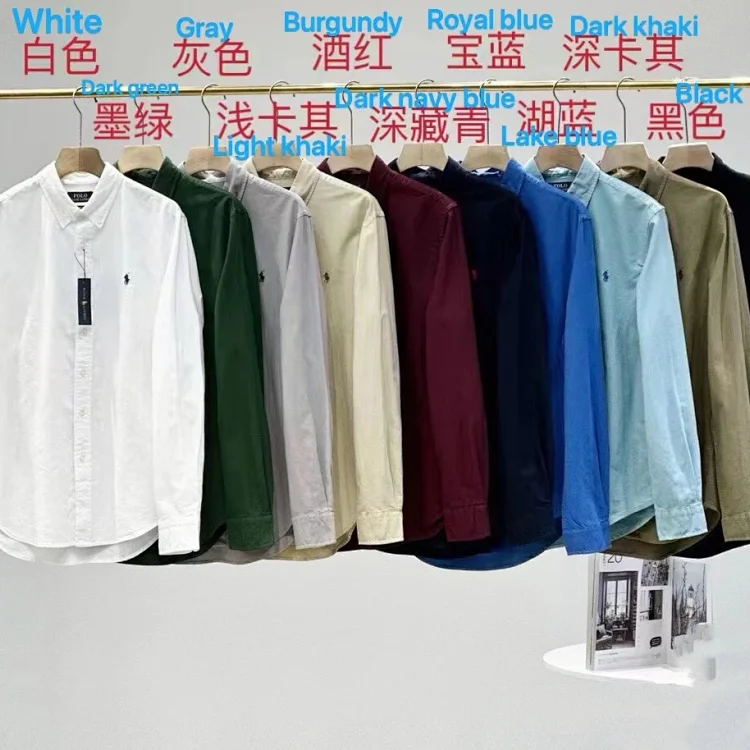
One marketplace page can group different colors, bundles, qualities or accessories under the same cover image. Open the option selector, note which choice changes the price and confirm that the selected row describes the item shown in your saved order note. A low headline price may belong to a deposit or accessory rather than the main product.
Treat every catalog check as dated
The matched image and destination link are reviewed together, but seller stock, variants, price and delivery terms remain live information. Re-open the destination immediately before ordering. If the page now shows a different product, an unavailable option or a changed condition, the current page overrides the older catalog card.
Save the decision-changing details
Keep the source address, seller name when visible, selected size, color, version, quantity, option code and any seller note that affects what will be sent. A dated screenshot helps when a listing changes. This small record gives the warehouse photographs and any later question a concrete reference instead of relying on memory.